




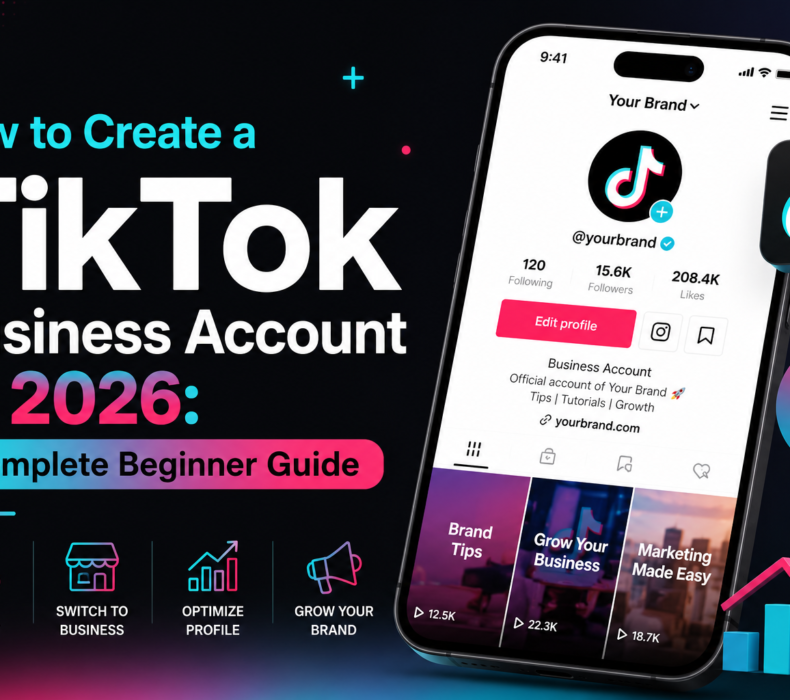
TikTok has grown from a short-video entertainment platform into one of the biggest digital marketing tools for businesses, creators, and entrepreneurs. With millions of people discovering products and services through TikTok videos every day, creating a TikTok Business Account can help increase your visibility, attract customers, and grow your brand online.
Whether you own an online store, provide services, or want to build a personal brand, TikTok gives you the opportunity to reach a wider audience through creative video content.
Why Create a TikTok Business Account?
A TikTok Business Account gives brands access to professional tools that help improve marketing and customer engagement.
Benefits of TikTok Business Account
- Access to TikTok analytics
- Promote products and services
- Reach new customers
- Run TikTok advertisements
- Add business information
- Understand audience performance
- Increase brand awareness
- Drive traffic to your website
TikTok allows even small businesses to compete by creating valuable and entertaining content.
Requirements Before Creating a TikTok Account
Before getting started, prepare:
- Email address or phone number
- Business or brand name
- Logo/profile image
- Business description
- Website link (recommended)
- Content ideas for your audience
Having these ready helps you build a professional profile from the beginning.
Step 1: Download TikTok
Install the TikTok application from your phone’s app store.
You can also visit:
Open TikTok and tap Sign Up.
You can register using:
- Phone number
- Email address
- Google account
- Facebook account
- Apple account
Step 2: Choose Your Username
Pick a username that represents your brand and is easy to remember.
Examples:
- @vanfleekshopping
- @vanfleekofficial
- @vanfleektech
Tips:
- Keep it short
- Avoid complicated characters
- Match your other social media names
- Make it easy for customers to search
A good username improves brand recognition.
Step 3: Add Your Profile Picture
Your profile picture creates the first impression.
Use:
- Company logo
- Brand icon
- Professional photo
Businesses should use the same logo across TikTok, Facebook, Instagram, and other platforms for consistency.
Step 4: Switch to TikTok Business Account
After creating your account:
- Open your TikTok profile.
- Tap the menu icon (☰).
- Select Settings and Privacy.
- Tap Account.
- Choose Switch to Business Account.
- Select your business category.
- Complete the setup process.
Your TikTok account is now ready for business features.
Step 5: Select Your Business Category
Choose a category related to your brand.
Examples:
- Shopping & Retail
- Electronics
- Education
- Technology
- Fashion
- Beauty
- Services
Choosing the right category helps TikTok understand your audience.
Step 6: Complete Your TikTok Profile
A professional profile helps customers trust your brand.
Write a Good Bio
Explain your business clearly.
Example:
Quality phones, laptops & gadgets at affordable prices. Shop smarter with Vanfleek Shopping.
Add Website
Include your online store link.
Example:
Add Contact Information
Include ways customers can reach you:
- Website
- Other social media accounts
Step 7: Start Creating TikTok Content
TikTok success depends on consistent and interesting videos.
Business Content Ideas
- Product reviews
- Before and after videos
- Customer testimonials
- Tutorials
- Packaging videos
- Behind-the-scenes content
- New arrivals
- Discounts and promotions
- Frequently asked questions
For example, a gadget store can post:
- Phone comparisons
- Laptop reviews
- Tech tips
- Unboxing videos
- Accessories demonstrations
Step 8: Use TikTok Trends
Trends help your content reach more people.
Use:
- Trending sounds
- Popular video formats
- Challenges
- Relevant hashtags
But always adjust trends to match your business style.
Step 9: Use Hashtags Correctly
Hashtags help TikTok recommend your videos.
Examples:
#SmallBusiness
#OnlineShopping
#TechTok
#GadgetStore
#PhoneReview
#LaptopDeals
Avoid using random hashtags that do not match your content.
Step 10: Grow Your TikTok Account
To grow faster:
Post Regularly
Upload content consistently.
Reply Comments
Engaging with followers increases trust.
Create Short Valuable Videos
Good TikTok videos:
- Capture attention quickly
- Solve a problem
- Entertain viewers
- Encourage interaction
Study Analytics
Use TikTok analytics to understand:
- Best posting times
- Popular videos
- Audience interests
TikTok Mistakes to Avoid
❌ Posting only advertisements
❌ Using low-quality videos
❌ Ignoring comments
❌ Copying competitors completely
❌ Posting without consistency
❌ Not showing your products clearly
Successful TikTok marketing focuses on building relationships, not only selling.
Tips for Businesses Selling Online
To increase sales:
- Show real product videos
- Demonstrate product benefits
- Answer customer questions
- Show customer reviews
- Create educational content
- Build trust before selling
People buy faster from brands they recognize and trust.
Final Thoughts
Creating a TikTok Business Account is one of the smartest ways to grow a brand online in 2026. With creative videos, consistency, and the right strategy, businesses can reach thousands or even millions of potential customers without needing a huge marketing budget.
Whether you’re a small business owner, online seller, or content creator, TikTok provides the tools needed to showcase your products, connect with your audience, and increase your online presence.
Start creating today, stay consistent, and turn viewers into loyal customers.

Vanfleek Tech News covers the latest smartphones, laptops, gadgets, and digital innovations from around the world. We break down complex tech, offer honest reviews, and bring you fast, reliable updates so you always stay steps ahead.
 Get it on
 Download on the