





Choosing the best laptops for students is no easy task. With so many models, features, and price points on the market, students often feel overwhelmed when deciding which laptop fits their academic needs. Whether you’re in high school, college, or pursuing online education, having the right laptop can make studying, researching, and completing assignments a whole lot easier.
In this article, we’ll break down everything you need to know — from budget-friendly picks to premium laptops that deliver powerful performance. By the end, you’ll have a clear idea of which laptop is the perfect match for your educational journey.
Why Choosing the Right Laptop Matters for Students
For students, a laptop isn’t just a gadget — it’s a daily essential. From taking notes and attending virtual classes to editing presentations and even gaming during downtime, a laptop must be reliable, fast, and easy to carry around.
Balancing Performance with Affordability
One of the biggest challenges is balancing performance with price. While it’s tempting to go for the latest high-end laptop, many students are on a budget. The good news is, modern laptops offer plenty of power at reasonable prices.
Key Features Students Should Look For
When choosing a student laptop, here are the essentials:
- Long battery life for all-day use.
- Lightweight build for portability.
- Enough RAM and storage for multitasking.
- Good display quality for reading and projects.
- Affordable pricing without sacrificing reliability.
Criteria for Selecting the Best Laptops for Students
Not all laptops are created equal. Before investing, students should carefully consider the following:
Processor and Speed Requirements
The processor is the laptop’s brain. Intel Core i5/i7 or AMD Ryzen 5/7 are excellent for multitasking and heavy workloads. For basic tasks, an Intel i3 or equivalent will do.
RAM and Storage Needs
- 8GB RAM is the sweet spot for most students.
- 16GB RAM is recommended for design, programming, and engineering students.
- For storage, SSDs are faster and more reliable than HDDs.
Battery Life and Portability
A good student laptop should last at least 8–10 hours on a single charge. Lightweight laptops (under 4 lbs) are ideal for commuting between classes.
Display Quality and Size

13-inch

14-inch

15-inch
A 13 to 15-inch screen is best for balancing productivity and portability. Students in design or media-related fields may prefer higher-resolution displays.
Connectivity and Compatibility
USB-C, HDMI, and headphone jacks are still must-haves. For online classes, a quality webcam and microphone are also important.
Best Laptops for High School Students
High school students typically need affordable, reliable laptops for browsing, homework, and basic software.
Budget-Friendly Options Under $500
- Acer Aspire 5 – Great performance at a low price.
- HP 14 – Lightweight and portable.
- Lenovo IdeaPad 3 – Affordable with decent speed.
Best Lightweight and Compact Models
- ASUS VivoBook – Sleek and stylish.
- Chromebook models – Ideal for cloud-based assignments.
Best Laptops for College Students
College students often need more powerful machines depending on their major.
Top Picks for Engineering and Programming Majors
- Dell XPS 13 – Powerful, compact, and reliable.
- MacBook Pro 14-inch – Excellent for coding and multitasking.
Best Choices for Arts and Design Students
- MacBook Air with M2 chip – Great for creative projects.
- Microsoft Surface Laptop Studio – Ideal for digital artists.
Versatile Laptops for General Studies
- Lenovo ThinkPad X1 Carbon – Durable and business-friendly.
- HP Pavilion 15 – Balanced performance at a good price.
Best Laptops for Online Learning and Remote Classes
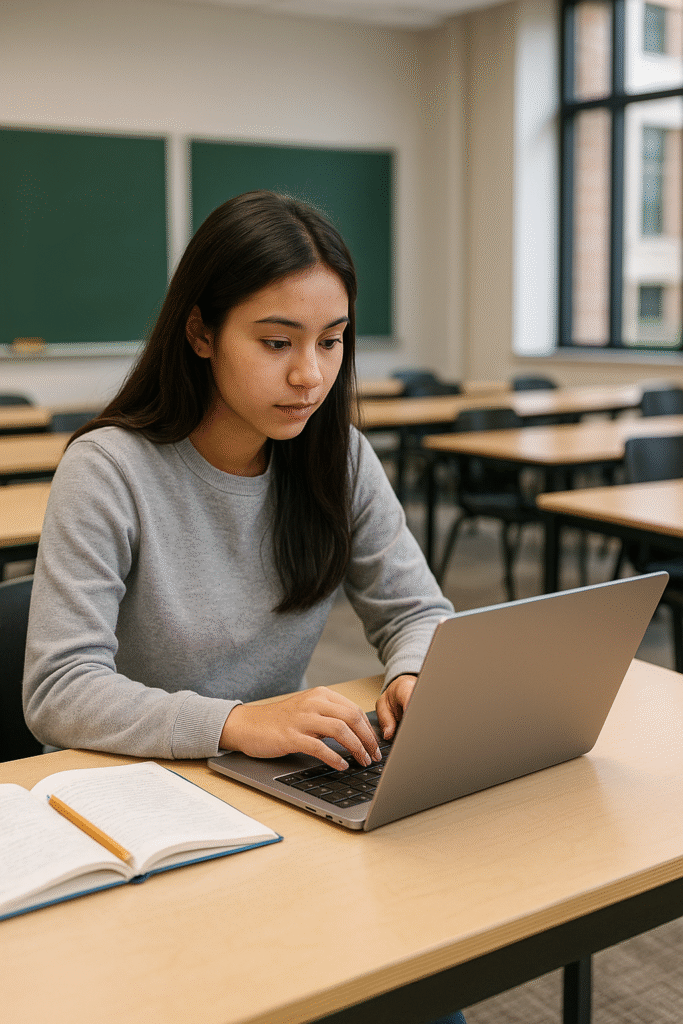
With online education becoming more common, students need laptops that support video conferencing and cloud apps.
Affordable Options for Zoom and Online Platforms
- Lenovo Chromebook Flex 5 – Excellent for online classes.
- HP Chromebook x360 – Affordable and versatile.
Best Chromebooks for Cloud-Based Learning
Chromebooks are budget-friendly, lightweight, and perfect for cloud-based learning. Popular models include Google Pixelbook Go and Acer Chromebook Spin 713.
Premium Laptops Worth the Investment
Sometimes, spending a little more is worth it in the long run.
MacBook Air and MacBook Pro for Students
Apple’s MacBook Air (M2) is lightweight with impressive battery life. The MacBook Pro is ideal for students in demanding majors like design, film editing, and engineering.
Microsoft Surface Lineup
The Surface Laptop 5 and Surface Pro 9 offer excellent portability with premium build quality.
Best 2-in-1 Convertible Laptops for Students
Convertible laptops double as tablets, making them perfect for note-taking and sketching.
Benefits of Detachable Keyboards and Touchscreens
- Easier for digital note-taking.
- Great for presentations and group projects.
- Ideal for students in art and design.
Recommended 2-in-1 Models
- Lenovo Yoga 7i – Affordable and versatile.
- HP Spectre x360 – Stylish with strong performance.
Budget vs. Premium: Which Should You Choose?
Pros and Cons of Each Option
- Budget laptops are affordable but may lack power for heavy tasks.
- Premium laptops last longer and perform better but come with a higher price tag.
When It’s Worth Investing More
If you’re in a field requiring advanced software (engineering, design, programming), a premium laptop is a smart investment.
Top Brands Offering the Best Laptops for Students
Here are the most trusted laptop brands for students:
- Apple – Premium build, excellent performance.
- Dell – Reliable with high-quality displays.
- HP – Affordable and versatile.
- Lenovo – Strong durability and performance.
- ASUS – Innovative designs at budget-friendly prices.
- Acer – Excellent value for money.
Laptop Accessories Students Should Consider
Enhance your laptop experience with these accessories:
- External storage – Backup important files.
- Headphones and microphones – For online classes.
- Laptop stands and cooling pads – Improve comfort and prevent overheating.
FAQs About the Best Laptops for Students
Q1. Should I buy a MacBook or Windows laptop as a student?
A MacBook is great for creative fields, while Windows laptops are versatile and budget-friendly.
Q2. Is 8GB RAM enough for students?
Yes, for most students. But 16GB is better for engineering, design, and heavy multitasking.
Q3. Do students need a touchscreen laptop?
Not necessary, but 2-in-1 laptops can be helpful for note-taking and drawing.
Q4. Which laptop is best for online classes?
Chromebooks like the Acer Chromebook Spin 713 are affordable and reliable for virtual learning.
Q5. How long should a student laptop last?
With proper care, most laptops last 4–6 years.
Q6. Is a gaming laptop good for students?
Yes, but they’re often heavier and have shorter battery life. Great if you also game in your free time.
Conclusion: Finding the Perfect Laptop for Every Student
The best laptops for students vary depending on your budget, major, and personal preferences. High school students can get by with affordable Chromebooks, while college students in specialized fields may need premium laptops like the MacBook Pro or Dell XPS. Whatever your needs, there’s a laptop out there that strikes the perfect balance between performance, portability, and price.
👉 For more in-depth reviews and updated student laptop deals, check out CNET’s Laptop Reviews

Vanfleek Tech News covers the latest smartphones, laptops, gadgets, and digital innovations from around the world. We break down complex tech, offer honest reviews, and bring you fast, reliable updates so you always stay steps ahead.
 Get it on
  Download on the